Categories
Geek It Happened to Me Work

Visiting Victoria

Victoria, Day 1

The day after Damir and I did our EnergizeIT presentation in Kelowna, it was time to go to our next destination, Victoria, by way of Vancouver.
image

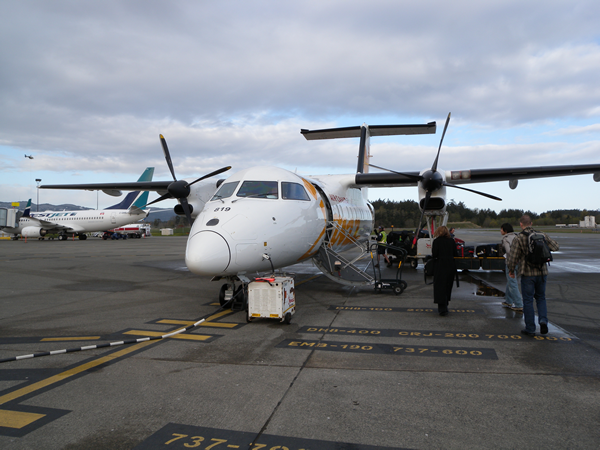
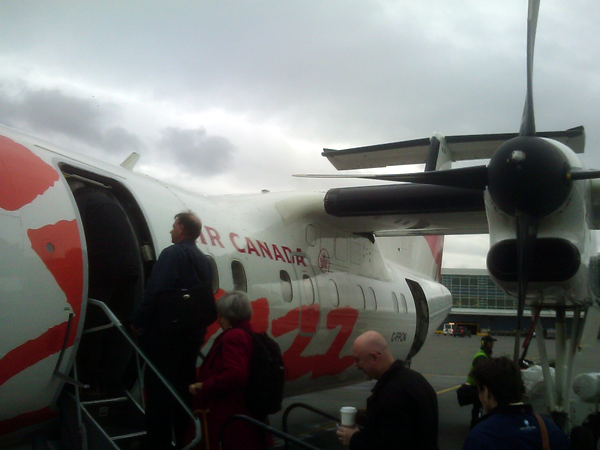
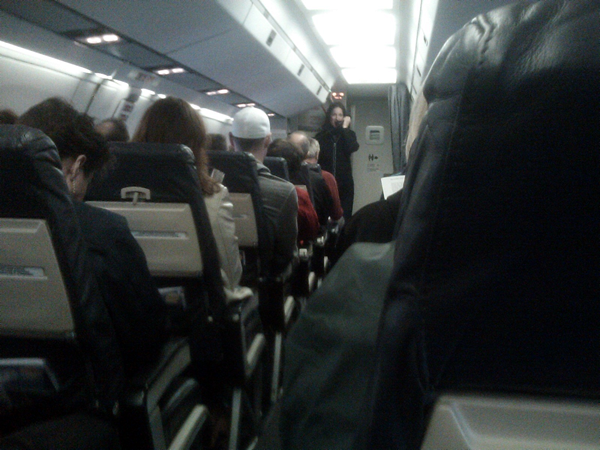
The Vancouver-to-Victoria flight is so short that you spend almost as much time taxiing as you do in the air. The actual flying time is 15 minutes, while the gate-to-gate time is just under half an hour (if you’ve ever done flown from Washington, D.C. to Baltimore, this flight is similar). It’s short enough that it’s done using a Bombardier Dash 8, which is essentially a bus with turboprop engines and wings, right down to the bench-style seat at the back of the plane. If you peek into the seam in the wall behind the last row, you can see the ground crew loading the luggage into the cargo area.
image

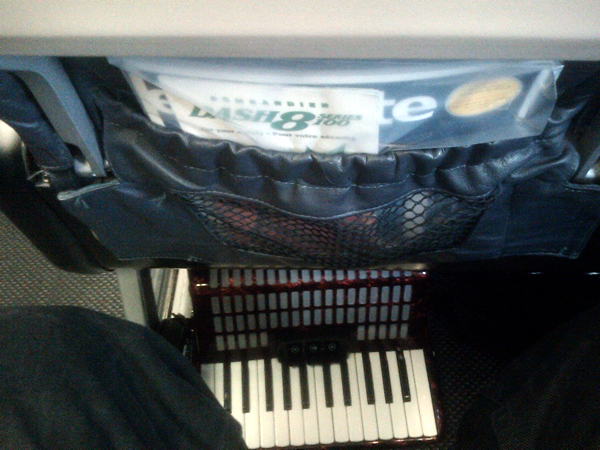
The Dash 8 has tiny overhead bins; they’re so small that my travel accordion won’t fit in them. This required reversing my normal carry-on approach: my laptop bag went overhead, while the accordion went under the seat in front of me:
image

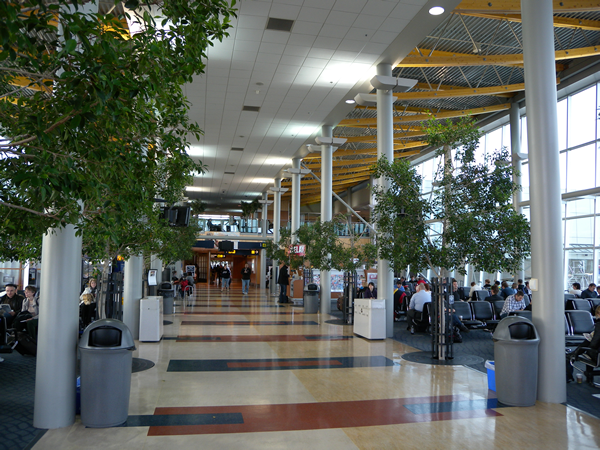
Victoria’s got a nice airport. I wish more airport waiting areas had trees in them:
image

The trip from Victoria’s airport to downtown Victoria takes twice as long as the flight in from Vancouver. We were fortunate to get a lift into town from Ron Demedash from the local Microsoft user group. Thanks, Ron!

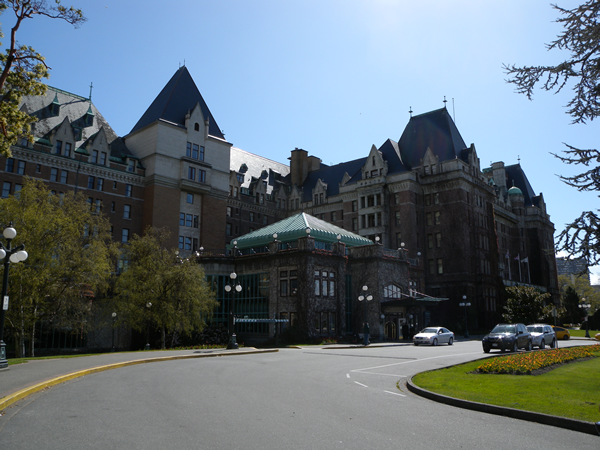
One of the perks of being a Microsoft employee with a lot of travel in your schedule is that we have a deal with Fairmont hotels. Fairmont buildings are often a nice change from Mies van der Rohe-esque filing-cabinets-in-the-sky, tending to be grand old-school ones like Toronto’s Royal York, Ottawa’s Chateau Laurier, Calgary’s Palliser and Victoria’s Empress, pictured below. Better still, their service is excellent.
image

We settled into the hotel, and later that evening, Ron picked us up and took us to rabbit-rich University of Victoria. We did our EnergizeIT presentation – two hours and forty-five minutes of pure actual-working-code-and-infrastructure demo with no slides until the very, very end – in the Engineering and Computer Science building. The room was packed; Ron had to bring in extra chairs to seat people at the back.

image

We handed out the usual raffle prizes at the end of the presentation with a special bonus prize provided by Ron: a budget tablet computer, with four built-in apps. The icons on the tablet are easy to read, and the screen is readable even in bright sunlight. To sweeten the deal, we threw in a copy of Windows 7 Ultimate:

image

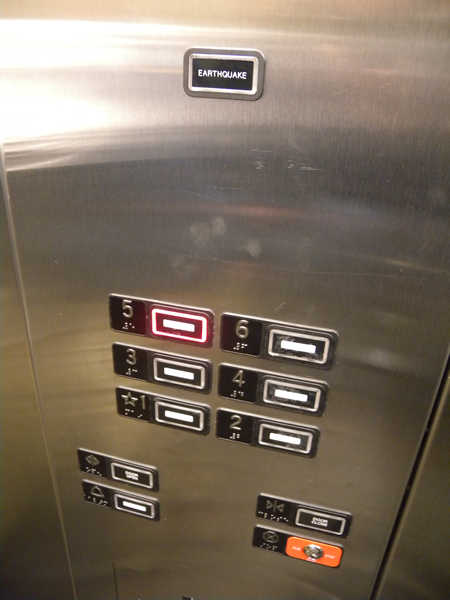
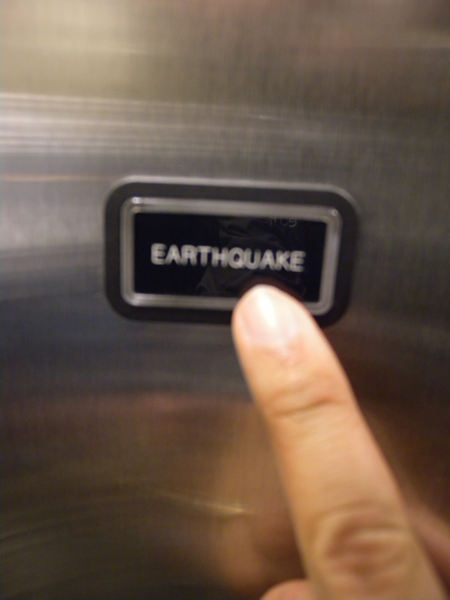
On our way in, we noticed that the elevator featured something that looked like a button labelled “EARTHQUAKE”.
image

A quick check confirmed that it was not a button that took you to a penthouse club or restaurant named “Earthquake”, nor was it a button that summoned seismic activity:
image

I assume it lights up in the event of an earthquake, which I also assume is a warning to the elevator’s passengers to get out. Does anyone know if such elevators have other built-in safety features, such as stopping on the nearest floor in the event of a quake?

Victoria, Day 2

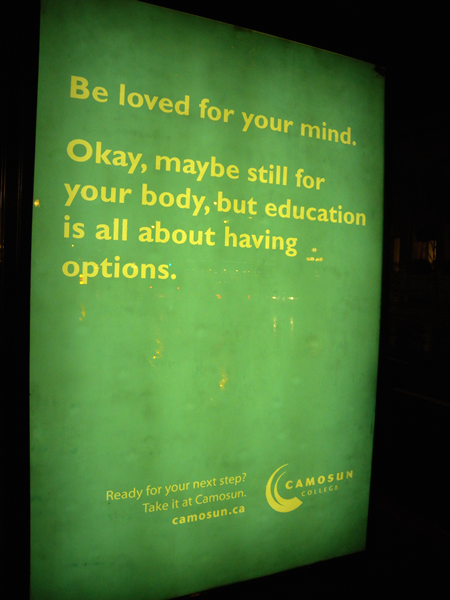
Damir flew back to Vancouver to do an academic presentation at Douglas College, while I stayed in Victoria to do an academic presentation at Camosun College’s Interurban campus. I didn’t get a picture of my academic audience, but did get a shot of this ad for Camosun later that night in downtown Victoria:
image

The academic presentations are part of the EnergizeIT tour – we do them at colleges close to the place where we’re doing the main EnergizeIT sessions. Unlike the main session, where we talk about what’s possible with the Microsoft-based platform, the academic session is all about helping students make the transition to the working world and plan their careers in high-tech. Unlike the main EnergizeIT session, which is a Microsoft-technology-specific “do these things in the right order or the demo doesn’t work” affair for working techies, the academic presentation is conversational, not specific to any tool or technology, and has plenty of room for dialogue with the audience.

The Trip Home

The next day, I went back to Victoria’s airport…

image

Back on the Dash 8:

image

Here’s the obligatory “art shot”. Propellers are great photo subjects:

image

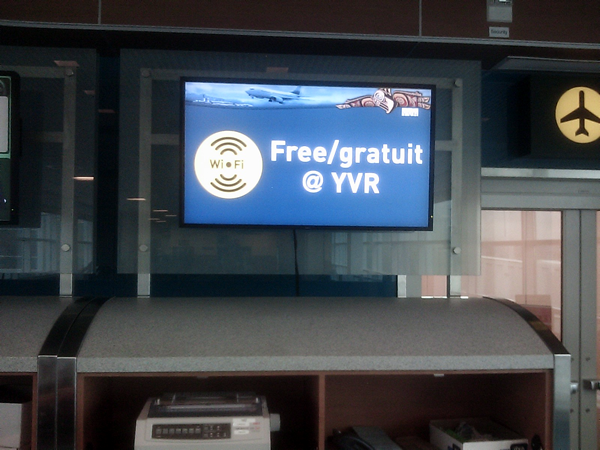
And half an hour later, I was in Vancouver’s airport. (Memo to Toronto’s Pearson airport: would it kill you to offer free wifi?)
image

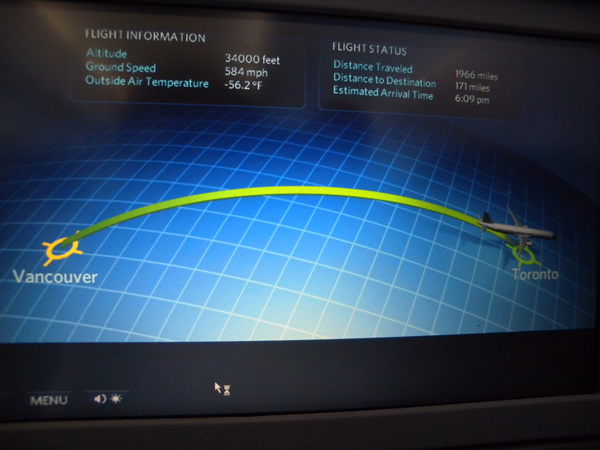
…and a few hours later, I landed back at home.
image

Coming up this week: Damir and I hit the road and drive to our EnergizeIT presentations in London and Kitchener.
This article also appears in Canadian Developer Connection.

Categories
Geek It Happened to Me Work

EnergizeIT Goes to Kelowna

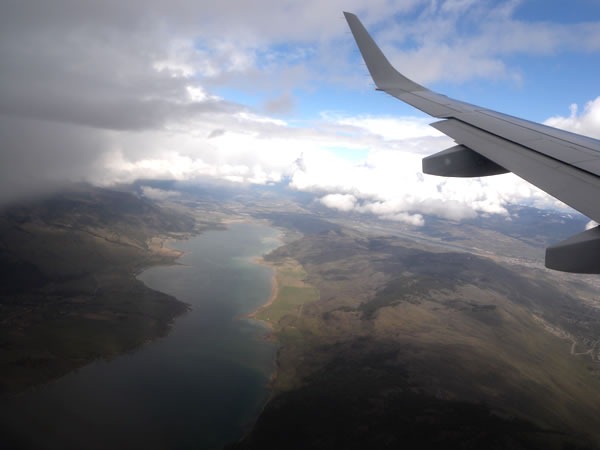
On Tuesday, Damir and I flew into Kelowna to do an EnergizeIT presentation for their software developers and IT Pro types. I must say that the Okanagan Valley, where Kelowna is situated, looks gorgeous from the air:

Okanagan Valley, as seen from my plane window

Okanagan Valley, as seen from my plane window

Okanagan Valley, as seen from my plane window

Okanagan Valley, as seen from my plane window

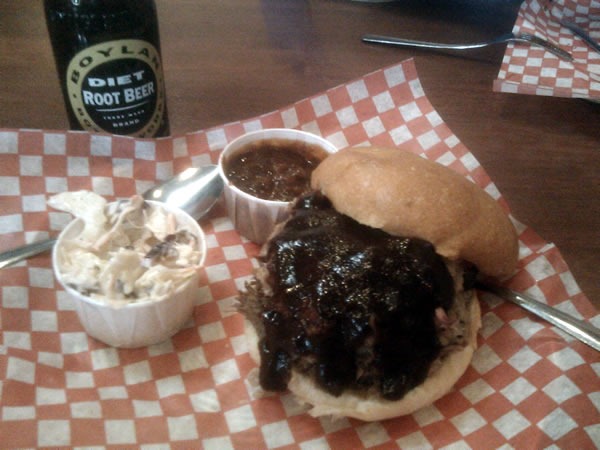
We landed, checked into our hotel, took a quick peek at the conference room where we’d be doing the presentation and then headed downtown for lunch. We ended up at a barbecue place called Memphis Blues, where we both had the “Big Daddy”, a sandwich combining pulled pork and brisket. It came with coleslaw and some really nice beans on the side, and we washed it down with Boylan’s diet root beer. Had we not had work to do, I would’ve gone for some “Lynchburg Lemonade” (Jack, lemonade and other stuff) and a shot of Bulleit (they have a decent selection of bourbons).

Pulled pork/brisket sandwich, coleslaw, beans and a bottle of Boylan's diet root beer

There wasn’t much time for sightseeing – we wouldn’t be in town even 24 hours – but I did manage to snap a couple of shots of the local scenery near the hotel, including the “Sails” fountain:

Kelowna's "Sails" fountain

And a view of the lake:

View of Okanagan Lake and boats

We went back to the hotel and started setting up for our “From the Client to the Cloud” presentation, a giant demo in which we present a grand tour of what’s possible with Visual Studio 2010, SQL Server 2010, Office 2010, SharePoint 2010 and Azure. I do developer-y things, Damir does IT Pro-y things and we show you – with actual working code, data and infrastructure – the sort of system you can build to help you get things done. And by “get things done”, I mean a real, working, employ-real-people, provide-real-service kind of business (we like tell-the-world-where-your-cat-is-right-now applications as much as the next person, and you can build that sort of thing on the Microsoft platform too).

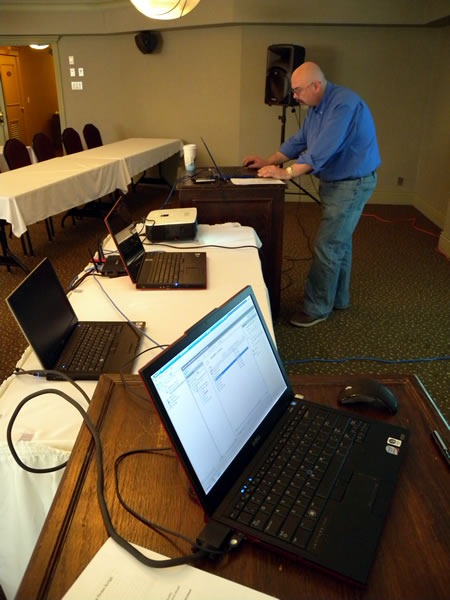
Here’s Damir doing the setup for the presentation on his machine (that’s my laptop in the foreground):

Damir setting up the EnergizeIT demo computers

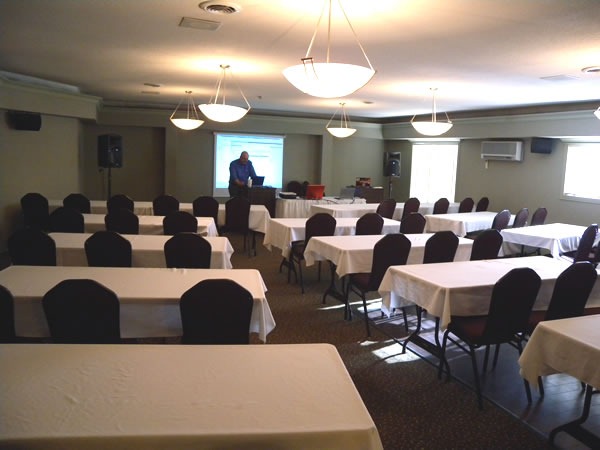
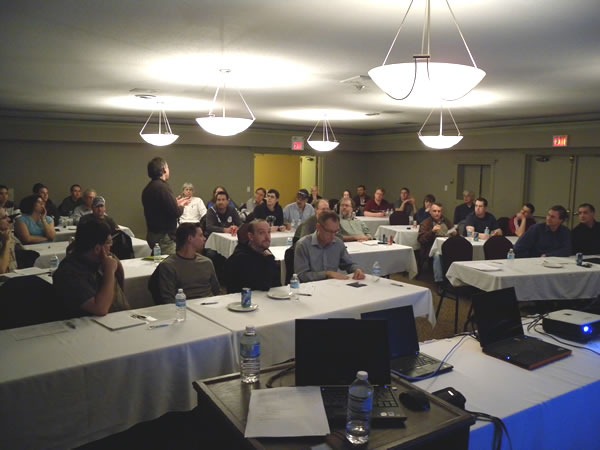
And here’s a shot of the room about an hour before the session started:

Damir setting up the EnergizeIT demo computers

We played to a full house. And I’m not kidding when I say “play”: unlike many other tech presentations, there’s no PowerPoint in this one until the very end. Instead, the EnergizeIT session has me and Damir telling a story about starting our own online insurance company and building the applications and infrastructure right in front of the audience. It’s all storytelling, live demos, actual working code and data, and of course, jokes (including me telling Damir to “Dance, server monkey, dance!”).

The audience at the Kelowna EnergizeIT session

The feedback we got from the audience was great. Many said that they loved watching an all-demo presentation and were blown away by what Visual Studio 2010 could do. A couple of people said that watching the presentation made them want to delve into Visual Studio a little more, as we’d shown them many features and capabilities they didn’t know our IDE had. A number of people were also impressed by the breadth of the Microsoft platform and how easy it was to move applications from on-premises servers to the cloud.

With the presentation done, Damir decided to take it easy, while I went out with some of the attendees for burgers and beer at the nearby Tonics Pub. I had to make it a (relatively) early night, though: we were bound for Victoria the next day.

This article also appears in Canadian Developer Connection.

Categories
Geek It Happened to Me Work

Scenes from the Project I was Working on Yesterday

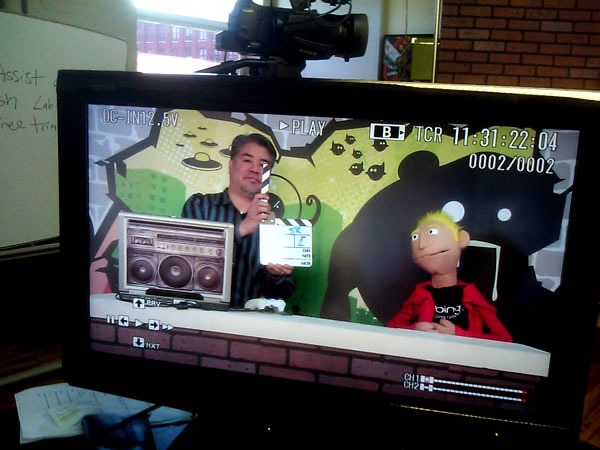
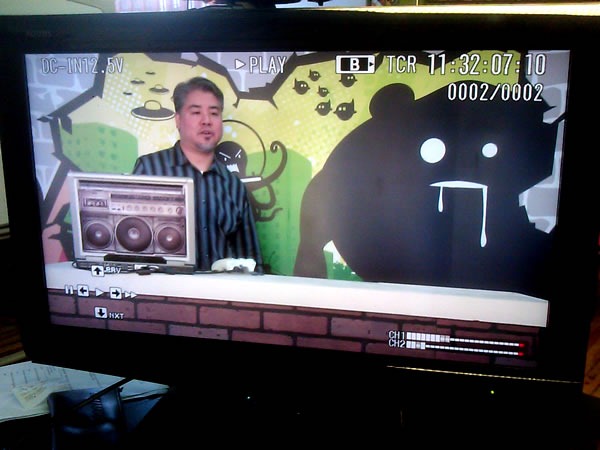
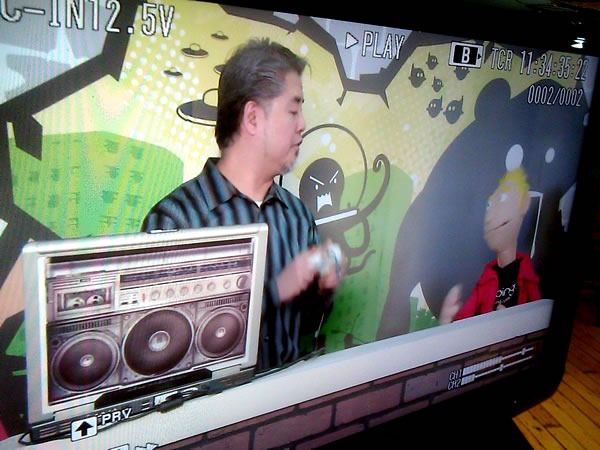
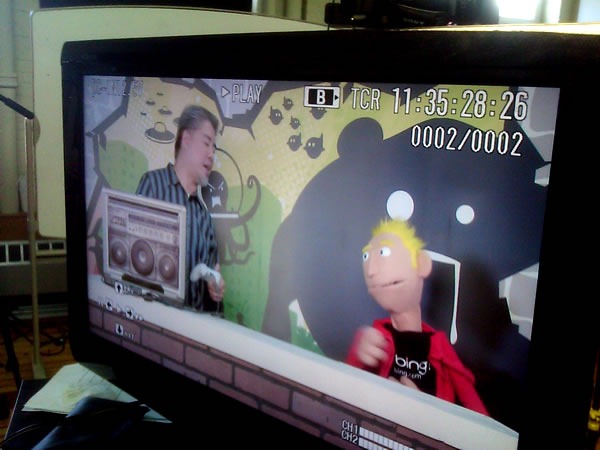
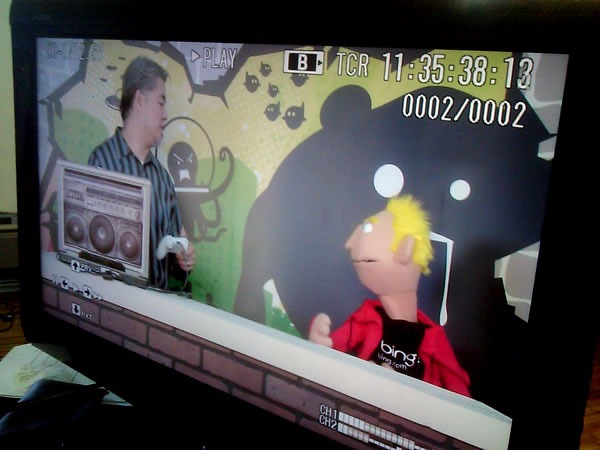
Every job has its tedious part, but my job has an unusually high number of moments of pure awesomeness, such as those pictured below. I’ll explain more about the project later, but for now, enjoy the photos!

04 monitor

05 monitor

06 monitor

07 monitor

08 monitor

This article also appears in Canadian Developer Connection.

Categories
Geek Life Work

The “500 Worst Passwords”

Hand-drawn list of the "500 Worst Passwords"

You’ve heard the stories about people choosing terribly obvious passwords for their various computer accounts, such as “password” and “12345”, but what are the other ones? In his book, Perfect Passwords: Selection, Protection, Authentication, Mark Burnett compiled the most common easy-to-crack passwords, most of which are ordinary words or key sequences that are easy to type on a QWERTY keyboard. I’m amused by some of the pop culture-based passwords, such as “Rush2112”, “8675309” and the X-Files inspired “TrustNo1”.

Someone else — I don’t who who did it — decided to turn that list into the hand-lettered poster shown above. You can click it to see it at a larger size.

In addition to being a good list showing the sort of password you shouldn’t use, it’s also a great name generator. You could take two random items from the list to create new character names for a Metal Gear game (“Tomcat Eagle1” makes just about as much sense as “Solid Snake” or “Sniper Wolf”) or any three to come up with the name of your band or prison softball team (“Bigdick Magnum Juice”).

This article also appears in Global Nerdy.

Categories
Geek It Happened to Me Work

Back to Daylight Saving Time!

Photo: Penguin about to wake up a polar bear with a pair of cymbals.

I’m in Las Vegas to catch Microsoft’s MIX10 conference, where a lot of big announcements are being made. The combination of having just come from the Confoo conference in Montreal, flying to Vegas by way of Vancouver, and “springing forward” to daylight saving time has left me feeling like the bear pictured above.

More posts from Vegas and MIX10 to follow!

This article also appears in Canadian Developer Connection.

Categories
Work

My Chair, My Enemy

“Your chair is your enemy,” starts the New York Times article Stand Up While You Read This!

To give you the thesis of the article, here are the next two paragraphs in the article:

It doesn’t matter if you go running every morning, or you’re a regular at the gym. If you spend most of the rest of the day sitting — in your car, your office chair, on your sofa at home — you are putting yourself at increased risk of obesity, diabetes, heart disease, a variety of cancers and an early death. In other words, irrespective of whether you exercise vigorously, sitting for long periods is bad for you.

That, at least, is the conclusion of several recent studies. Indeed, if you consider only healthy people who exercise regularly, those who sit the most during the rest of the day have larger waists and worse profiles of blood pressure and blood sugar than those who sit less. Among people who sit in front of the television for more than three hours each day, those who exercise are as fat as those who don’t: sitting a lot appears to offset some of the benefits of jogging a lot.

There are two reasons that sitting all day is bad for you:

  • Sitting burns so few calories. Even standing in place burns more calories, what with the work your leg muscles do. Since weight gain is a slow, creeping thing, and little things like eating 30 more calories than you burn is enough to lead to 2 – 3 pounds of weight gain a year. 30 calories is a handful of potato chips!
  • Sitting causes your body to do things that are bad for you. When you sit for long periods, your body stops producing lipoprotein lipase, which is important for processing fats, and your metabolism slows down to match the inactivity.

If you’re self-employed, a mobile worker or have an understanding manager, you can take frequent breaks to do something out of your chair. As a Developer Evangelist with Microsoft, I’m a mobile worker and have taken advantage of the arrangement to do things like:

  • When working at the home office, taking the occasional break to run errands on foot or get some quick household chore done.
  • Going to the gym in the middle of the day, when it’s not crowded. An unexpected side-effect: many of my retired neighbours, who are at the gym in the middle of the day, think I’m sort of unemployed ne’er-do-well.
  • Switching venues: I try to work part of the day at the home office, and part of the day elsewhere, either a wifi-equipped cafe or HacklabTO. Many of these venue changes incorporate a bike ride anywhere from 10 to 30 minutes each way.

It’s worked out pretty well so far; since joining Microsoft, I’ve lost about 12 pounds.

But what if you’ve got an urgent project? Those interruptions are deadly to the sort of “flow” you need to get complex tasks done. One answer might be a “stand up” workstation, where the desk is mounted high enough so that you can use it in the standing position. A more extreme solution is the one pictured at the top of this article – yes, that things is real – Steelcase’s “Walkstation”, a workstation with integrated treadmill. Not only do you get some exercise while you work, the more poetic of you can treat it as an in-your-face metaphor for corporate life below the VP level.

This article also appears in Global Nerdy.

Categories
It Happened to Me Work

Swamped

If you’ve been wondering why I haven’t been posting as many articles to The Adventures of Accordion Guy in the 21st Century lately, it’s because I’m swamped with work. I’m putting together three big presentations and gearing up for some business travel that will take me to Montreal, Las Vegas, Victoria, Kelowna, Moncton, Fredericton and London (Ontario, not the UK) over the next few weeks.

All the work I’ve been doing has kept me so busy that I’m looking forward to the MIX10 conference in Las Vegas and the two eight-hour, one-connecting-city flights, the latter of which is a “red eye” as a chance to relax.

I’ll post stuff whenever I can find the time, but if you really want to see where all my blogging energy has been going, go check out my work blogs: